Streamlining Development with CI/CD Pipelines
How continuous integration and deployment can accelerate your development process and improve code quality.
Why CI/CD Matters in 2025
In today's fast-paced development environment, the ability to deliver code quickly and reliably is not just an advantage—it's a necessity. Continuous Integration and Continuous Deployment (CI/CD) pipelines have become the backbone of modern software development, enabling teams to ship features faster while maintaining high code quality.
For small and medium businesses, implementing CI/CD can level the playing field, allowing you to compete with larger organizations by delivering value to customers more rapidly and with fewer bugs.
1. Understanding CI/CD Fundamentals
Before diving into implementation, it's essential to understand what CI/CD actually means:
- Continuous Integration (CI): The practice of automatically building and testing code changes as they are committed to version control.
- Continuous Deployment (CD): The automated process of deploying code changes to production environments after passing all tests.
- Pipeline: A series of automated steps that code goes through from commit to production.
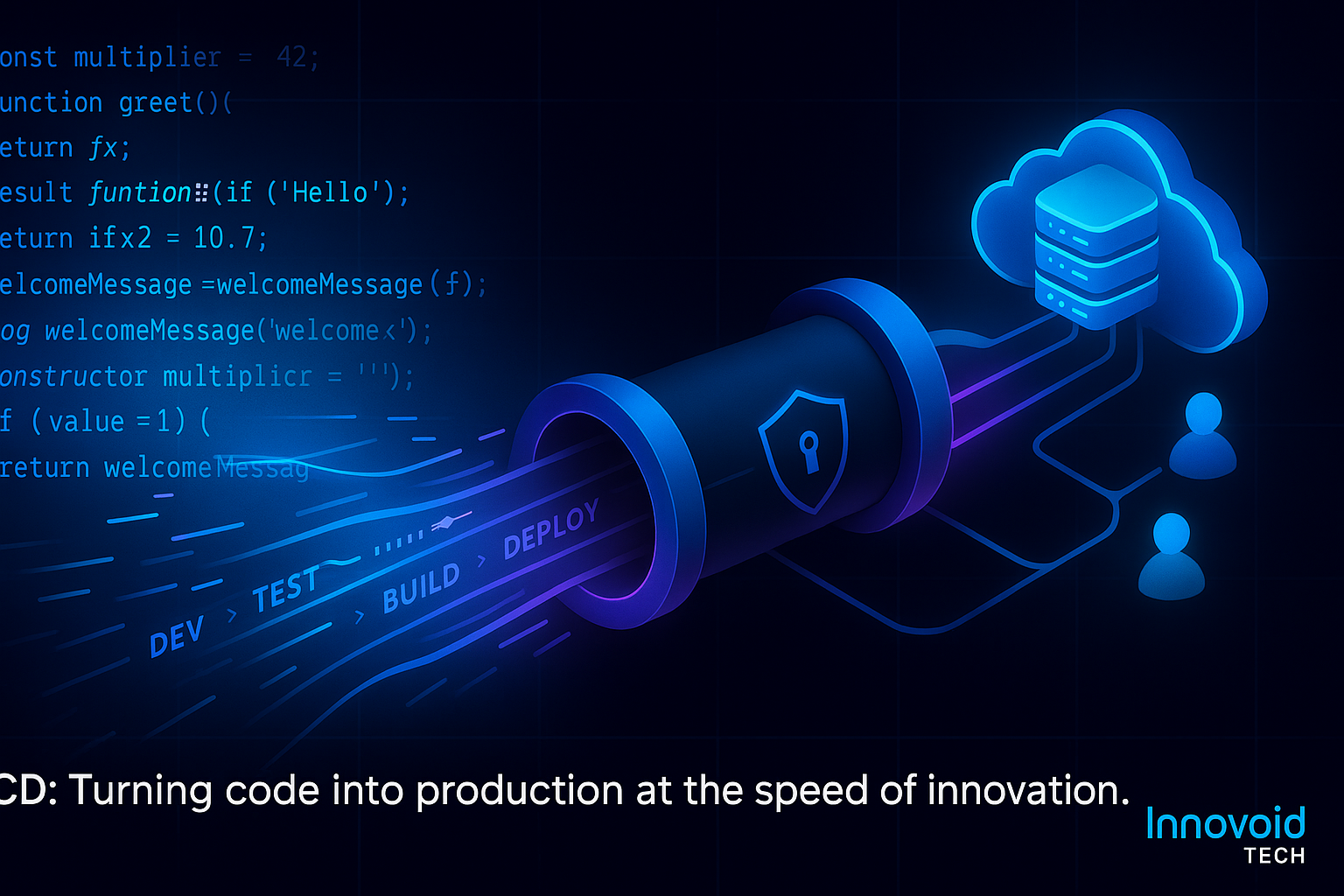
Modern CI/CD pipelines automate the entire development workflow from code commit to production deployment
2. Building Your CI Pipeline
The CI pipeline is your first line of defense against code quality issues. Here's what it should include:
- Code Quality Checks: Linting, formatting, and static analysis tools (ESLint, Prettier, SonarQube).
- Automated Testing: Unit tests, integration tests, and code coverage reporting.
- Security Scanning: Vulnerability assessment and dependency checking.
- Build Verification: Ensuring your application compiles and builds successfully.
3. Implementing CD for Seamless Deployments
Once your CI pipeline is solid, CD takes your code the final mile to production:
- Environment Management: Separate staging and production environments with identical configurations.
- Automated Deployments: One-click or automatic deployments after CI passes.
- Rollback Capabilities: Quick reversion to previous versions if issues arise.
- Health Checks: Automated verification that deployments are successful.
4. Popular CI/CD Tools and Platforms
Choose the right tools for your team size and technology stack:
Cloud-Native Solutions
- GitHub Actions: Integrated with GitHub repositories, great for open source and small teams.
- GitLab CI/CD: Comprehensive solution with built-in container registry and deployment tools.
- Azure DevOps: Microsoft's enterprise-grade solution with excellent .NET support.
Self-Hosted Options
- Jenkins: Highly customizable but requires more maintenance.
- TeamCity: User-friendly interface with excellent .NET integration.
- Bamboo: Atlassian's solution for teams using Jira and Bitbucket.
5. Best Practices for Small Teams
Start simple and scale up as your team grows:
- Start with CI: Focus on automated testing before adding deployment automation.
- Use Infrastructure as Code: Define your environments with tools like Terraform or CloudFormation.
- Implement Feature Flags: Deploy code without exposing incomplete features to users.
- Monitor Everything: Track pipeline performance, deployment success rates, and rollback frequency.
6. Common Pitfalls and How to Avoid Them
Learn from others' mistakes to build a robust pipeline:
- Over-engineering: Start simple and add complexity only when needed.
- Ignoring Security: Always scan for vulnerabilities and use secure deployment practices.
- Poor Testing: Invest in comprehensive test coverage to catch issues early.
- Manual Interventions: Minimize human involvement in the deployment process.
7. Measuring Success and ROI
Track these metrics to demonstrate the value of your CI/CD implementation:
- Deployment Frequency: How often you can successfully deploy to production.
- Lead Time: Time from code commit to production deployment.
- Mean Time to Recovery (MTTR): How quickly you can fix and deploy fixes for issues.
- Change Failure Rate: Percentage of deployments causing production failures.
The Forward View
As we move through 2025, CI/CD pipelines are becoming more intelligent with AI-driven testing, automated security scanning, and predictive deployment analytics. Small businesses that embrace these practices now will be well-positioned to compete with larger organizations.
At Innovoid Tech, we help growing companies implement CI/CD pipelines that fit their team size and technology stack, enabling faster development cycles and higher code quality without overwhelming complexity.
Ready to Streamline Your Development?
Let Innovoid Tech help you implement CI/CD pipelines that accelerate your development process and improve code quality.
Get Started Today